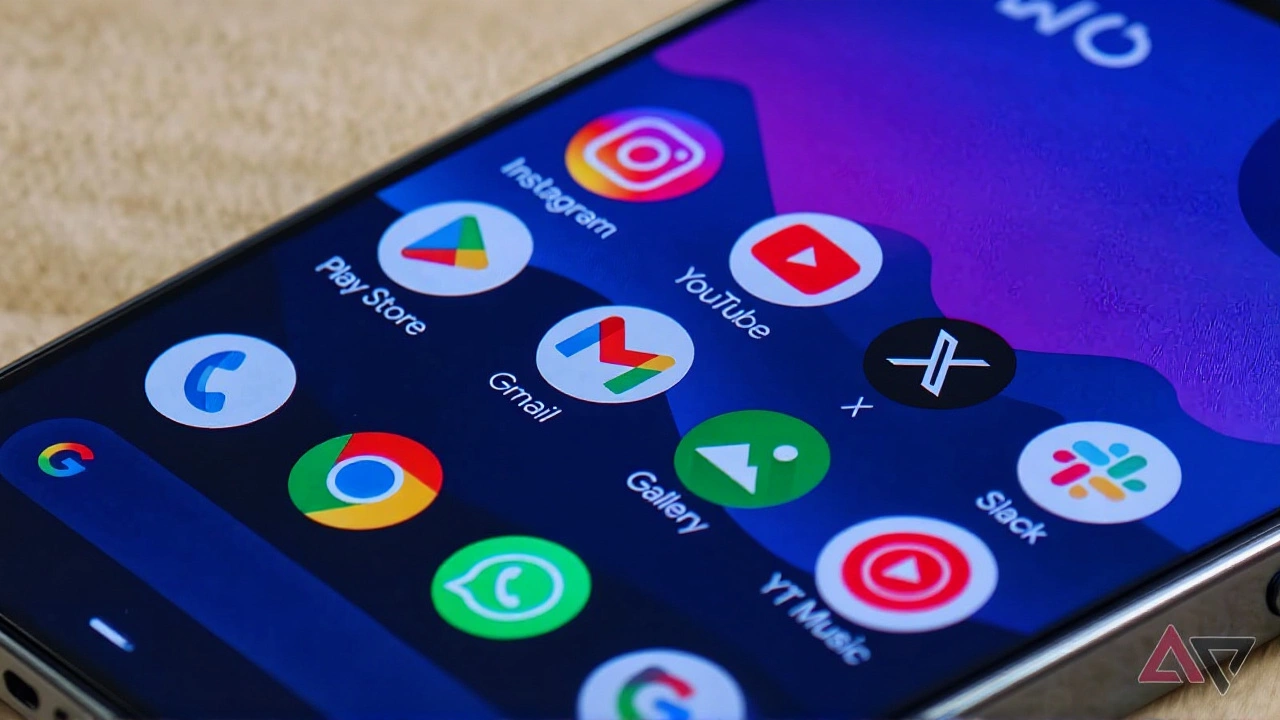
Something strange is happening on Google's flagship smartphones right now. If you own a Pixel and try to reply to an email in the Gmail app, your keyboard might simply refuse to show up. Instead of typing your response, you’re greeted by an AI prompt. It’s not just a minor annoyance; it’s a functional block that has left thousands of users scratching their heads, wondering if their phones are broken or if Google is quietly forcing a new feature on them.
The issue emerged suddenly over the last 24 hours, catching tech reporters and everyday users off guard. According to reports from Android Police and Android Authority, the problem is specific to Google Pixel devices. While other Android phones seem unaffected, Pixel owners are finding themselves locked out of the basic act of composing an email reply. The cursor blinks, inviting input, but tapping the text field does nothing. No keyboard. Just silence.
The "Help Me Write" Takeover
Here’s the twist: the keyboard isn’t just missing; it’s being replaced. When users tap the reply box, the interface prominently displays the Gemini-powered "Help me write" tool. This AI assistant, designed to draft responses for you, takes center stage. On some models, like the Pixel 10 Pro Fold, the reply field doesn’t even show a visible cursor. You can’t type. You can only swipe to let the AI do the work.
This feels less like a bug and more like a aggressive product push. By obscuring the manual input method, Google appears to be nudging—or perhaps forcing—users toward its artificial intelligence features. For professionals who need to craft precise, personal replies, this is frustrating. You don’t always want an AI-generated summary; sometimes you just want to say "Thanks, see you then." But right now, that simple option is buried under layers of unresponsive UI.
Why Only Pixels?
The isolation of this bug to Pixel hardware is telling. Tech outlets tested the same Gmail versions on Samsung Galaxy phones and other Android devices without issue. The keyboard popped up normally. This suggests the fault lies in the tight integration between Google’s software stack and its own hardware. Whether it’s a conflict with Gboard, the system keyboard, or a deeper OS-level glitch, the problem is unique to the Pixel ecosystem.
On the Pixel 10 Pro XL, the situation is slightly better but still maddening. Users report that they can eventually get the keyboard to appear, but only after a series of extra taps. You have to hide the keyboard button (which is already hidden) and repeatedly tap the text field. It’s a workaround that shouldn’t exist. It highlights a failure in how the app detects user intent. The phone knows you want to type, but the app disagrees.
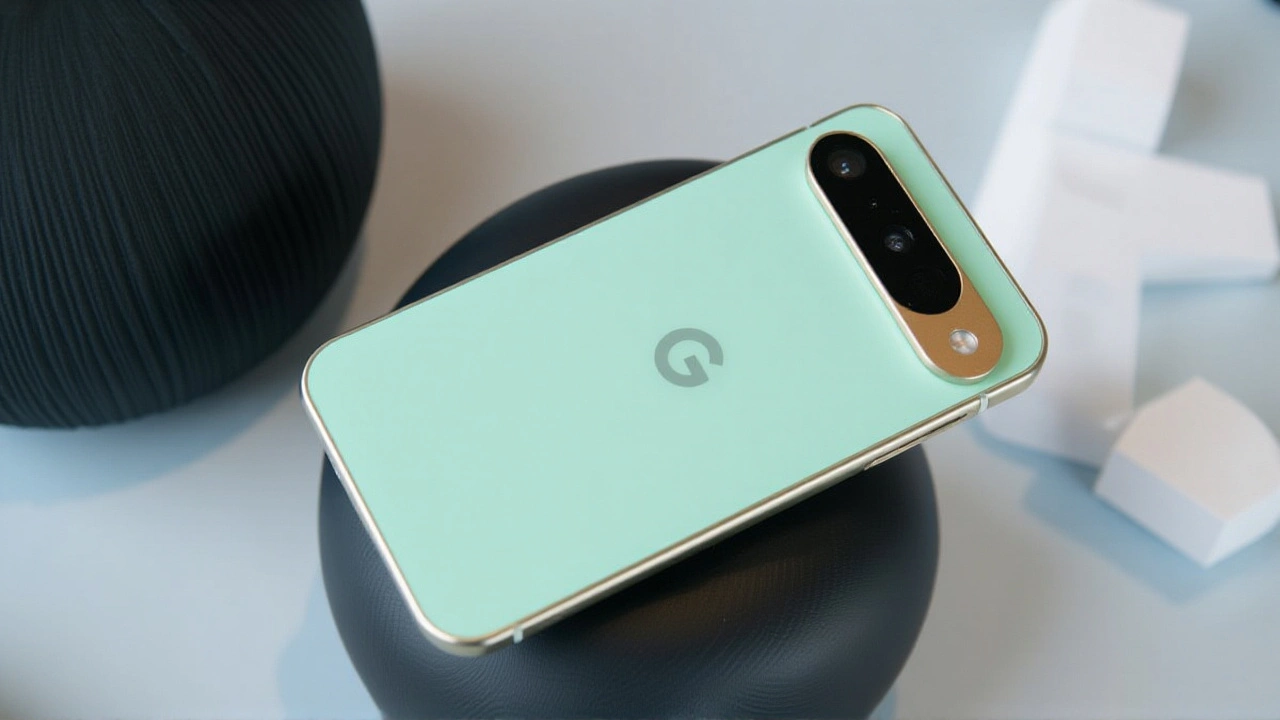
Workarounds That Actually Work
Until Google issues a patch, here’s what you can do. Community members on Reddit and the official Google Help Forum have shared several fixes that vary in effectiveness:
- The Landscape Trick: Enable auto-rotate and turn your phone sideways. In many cases, this forces the keyboard to load. Rotate back to portrait, and you can often keep typing.
- The Image Attachment Hack: Attach a photo to your draft, then go back to the text editor. This sequence sometimes resets the UI and brings the keyboard back.
- Uninstall Updates: Go to Settings > Apps > Gmail (and Gboard), tap the three-dot menu, and select "Uninstall updates." This reverts the apps to their factory versions. Many users reported this as a permanent fix until the next update rolls out.
- Clear Cache: Force close the Gmail app and clear its cache. It’s a classic troubleshooting step, and while not guaranteed, it helps some users regain functionality.
If none of these work, your best bet is to switch to a different email client temporarily. Outlook or Apple Mail may not have the same integration quirks, allowing you to stay productive while waiting for a fix.
Google’s Silence Speaks Volumes
As of now, Google has not acknowledged the bug. There are no official statements from the Gmail team, no patches in the Play Store, and no timeline for resolution. This silence is unusual for a company that prides itself on rapid iteration and user feedback. Given that Gmail is one of the most downloaded apps globally, a bug affecting its core function should trigger an immediate response.
The lack of communication fuels speculation. Is this a known issue with a fix in the pipeline? Or is it an unintended side effect of rolling out new AI features too quickly? Without clarity, users are left guessing. For businesses relying on quick email responses, this downtime is costly. For casual users, it’s just annoying. Either way, it’s a reminder that when you use free software, you’re often the test subject.
Frequently Asked Questions
Is this bug affecting all Android phones?
No, current reports indicate the issue is isolated to Google Pixel devices. Other Android manufacturers like Samsung and OnePlus have not reported similar issues with the Gmail app, suggesting a specific integration problem between Gmail and Pixel’s operating system or hardware.
How do I permanently fix the keyboard issue?
The most reliable temporary fix is to uninstall recent updates for both Gmail and Gboard via your phone’s settings. This reverts the apps to stable factory versions. Alternatively, rotating your device to landscape mode often triggers the keyboard to appear, allowing you to finish your email.
Is Google trying to force us to use AI?
While there is no official confirmation, the behavior strongly suggests it. By hiding the keyboard and prioritizing the "Help me write" Gemini interface, the app design encourages AI usage. Whether this is intentional product strategy or a buggy rollout remains unclear, but the result is the same: manual typing is obstructed.
Will my emails be sent if I can't type?
If you cannot access the keyboard, you cannot compose a new reply. However, if you manage to trigger the keyboard using workarounds like landscape mode, your emails will send normally. The bug affects input, not transmission. Your data is safe, but your ability to communicate is temporarily impaired.